Autopilot for your TikTok posting
Postloop is the TikTok scheduler for creators, brands and agencies. Write a post once, review it on a visual calendar and publish it with TikTok's official API. Let an AI assistant prepare the week; you approve.
No credit card needed to look around. Cancel anytime.
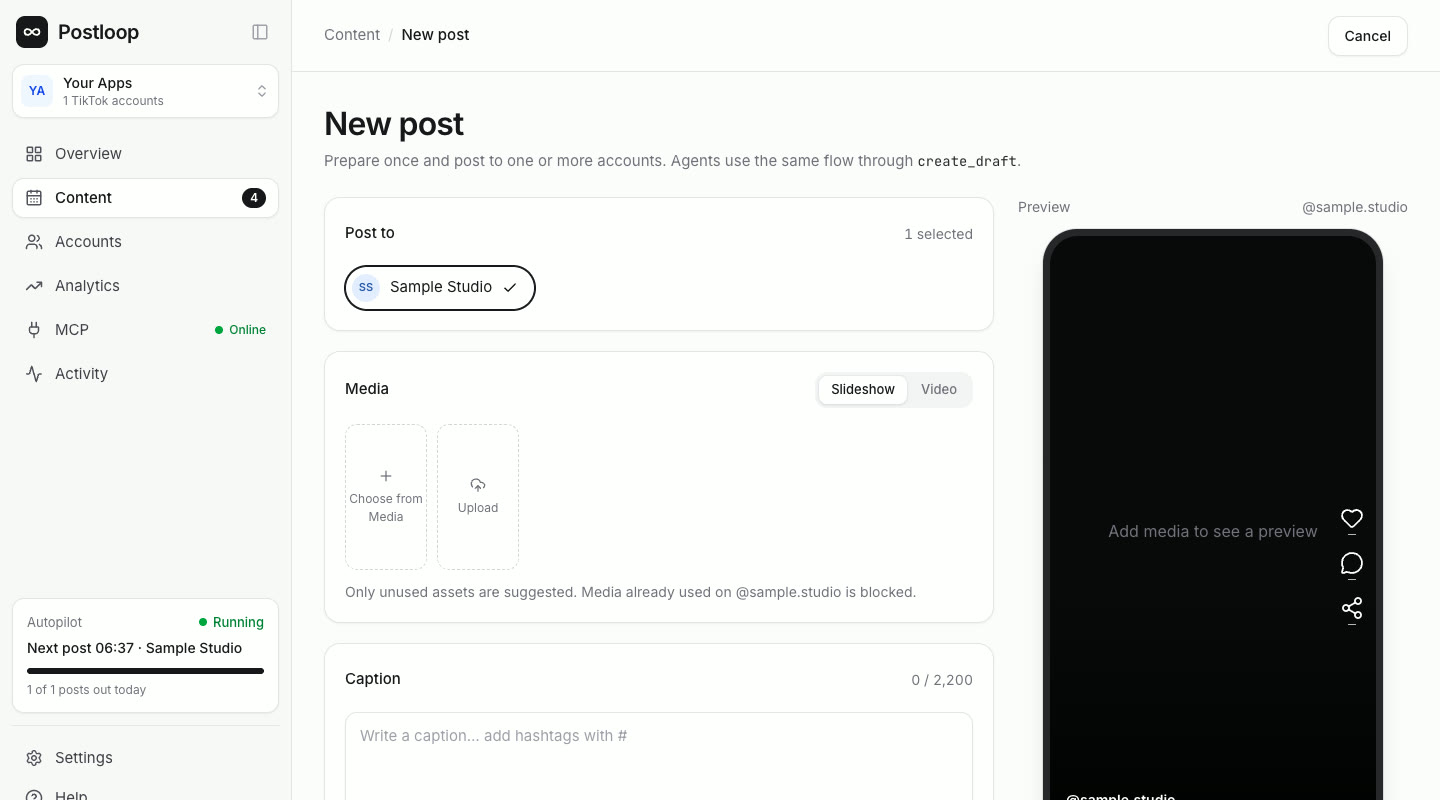
Screenshots show a test workspace with sample data.
Who is Postloop for?
Creators and brands
Post consistently on your TikTok accounts without spending all day in the app.
Agencies and content teams
Draft, review and schedule with an activity log that shows every change.
AI-first marketers
Ask your assistant to prepare the week over MCP, then approve the drafts on a single calendar.
Everything you need for your TikTok posting plan
Scheduling
One visual calendar
Write a post once, pick the account and time, then drag it around in week or month view. Photo slideshows and videos live in the same place.
AI assistants
Works with your AI assistant
Connect Claude, Cursor or Codex through the built-in MCP server. Your assistant reads your strategy and best posts, drafts and schedules; you approve.
Teams
Drafts, review and activity log
Content prepared by the assistant or a teammate waits as a draft. See who did what in a searchable activity log and manage multiple TikTok accounts in one workspace.
Analytics
See what works
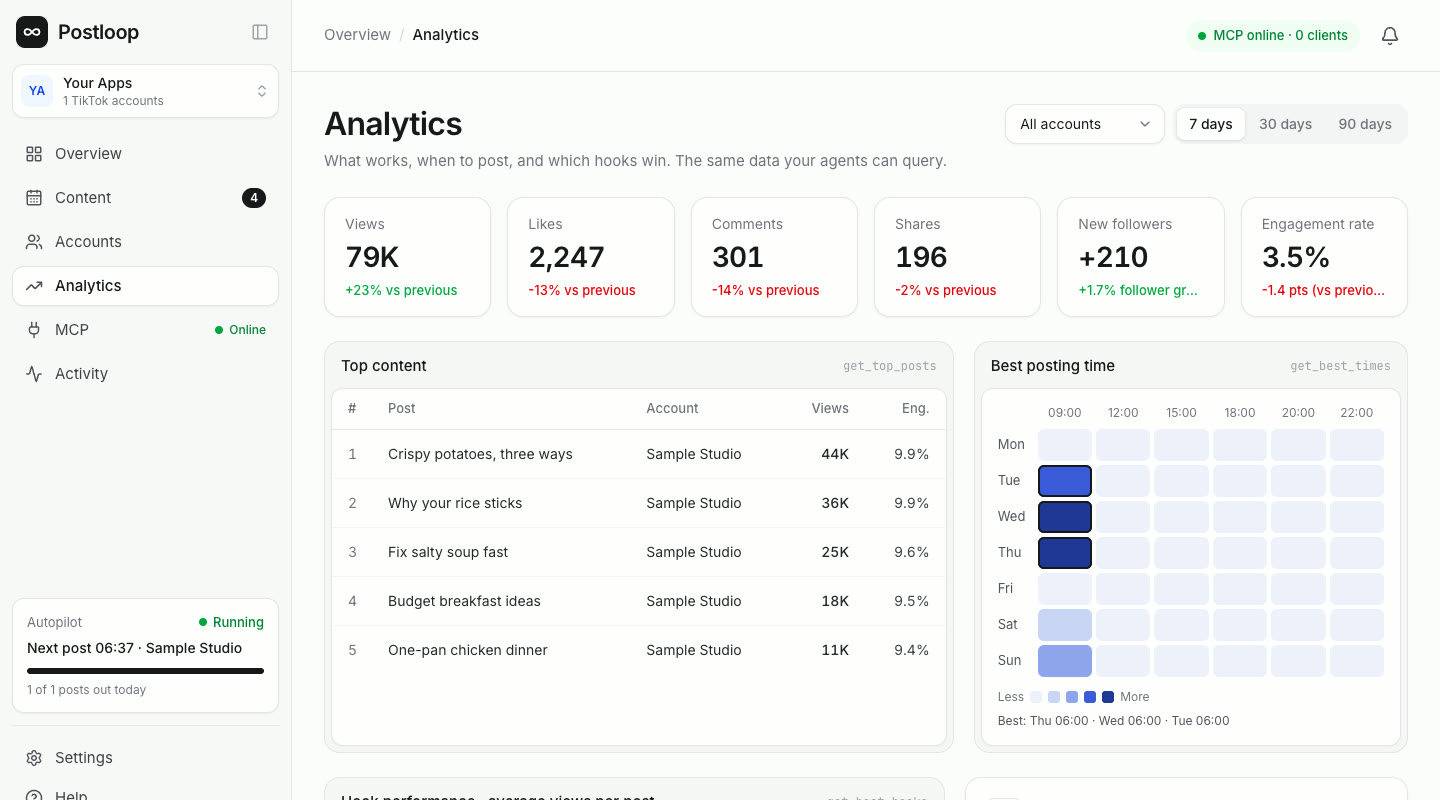
Views, likes, comments and shares for every post, plus follower growth, best posting times and winning hooks, all pulled from TikTok.
Content disclosure
AI content label and privacy controls
Mark AI-generated posts with TikTok's label. For each post, choose who can watch it and whether people can comment, Duet or Stitch.
Security
Your account stays under your control
Accounts connect through TikTok Login and can be disconnected at any time. Access tokens are encrypted at rest; media links are signed and expire.
How it works
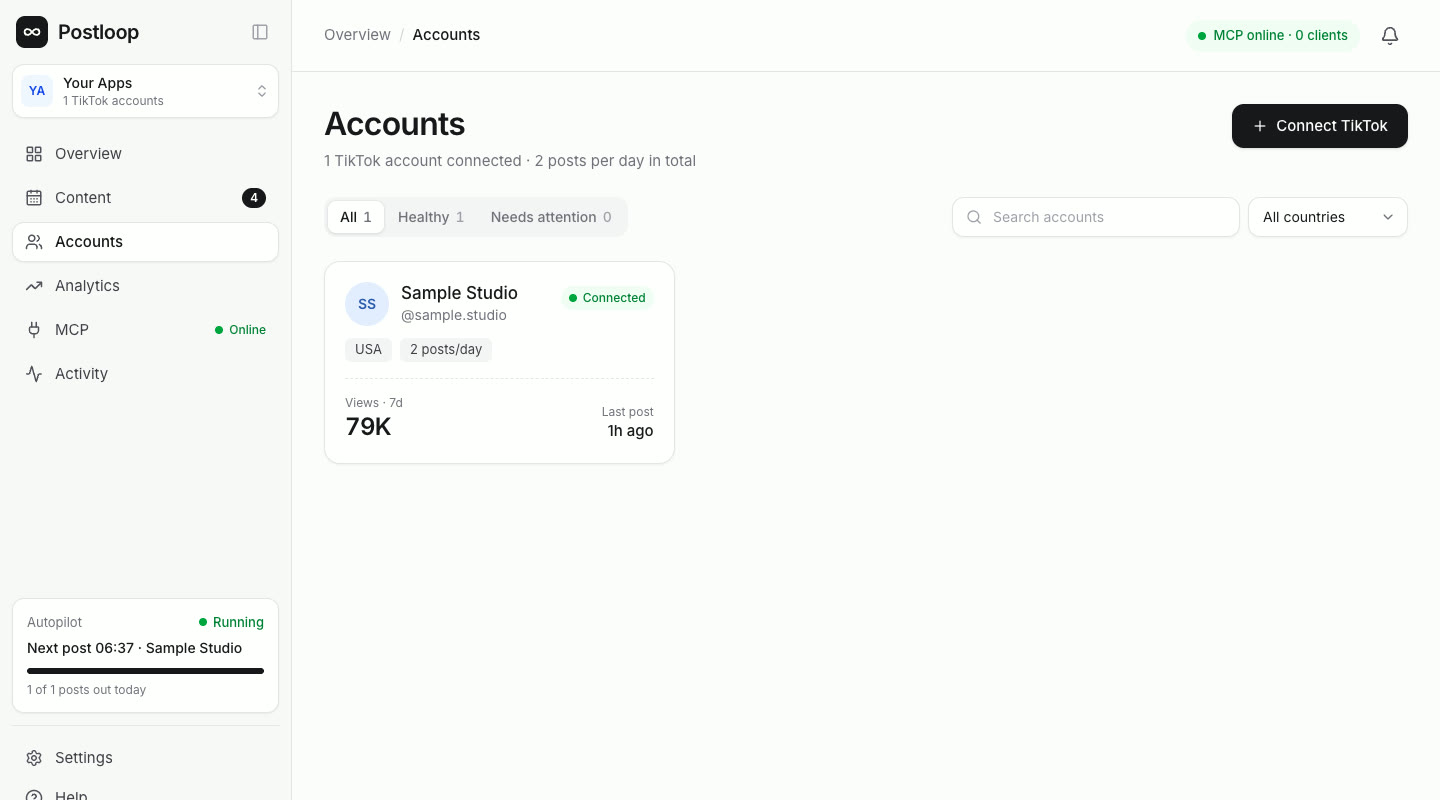
Connect your TikTok account
Sign in with TikTok and approve the permissions. Postloop immediately shows the account's profile and recent performance.
Create the post
Pick the account, add photos or a video, write the caption, and choose privacy and the AI label. Then save a draft or schedule it.
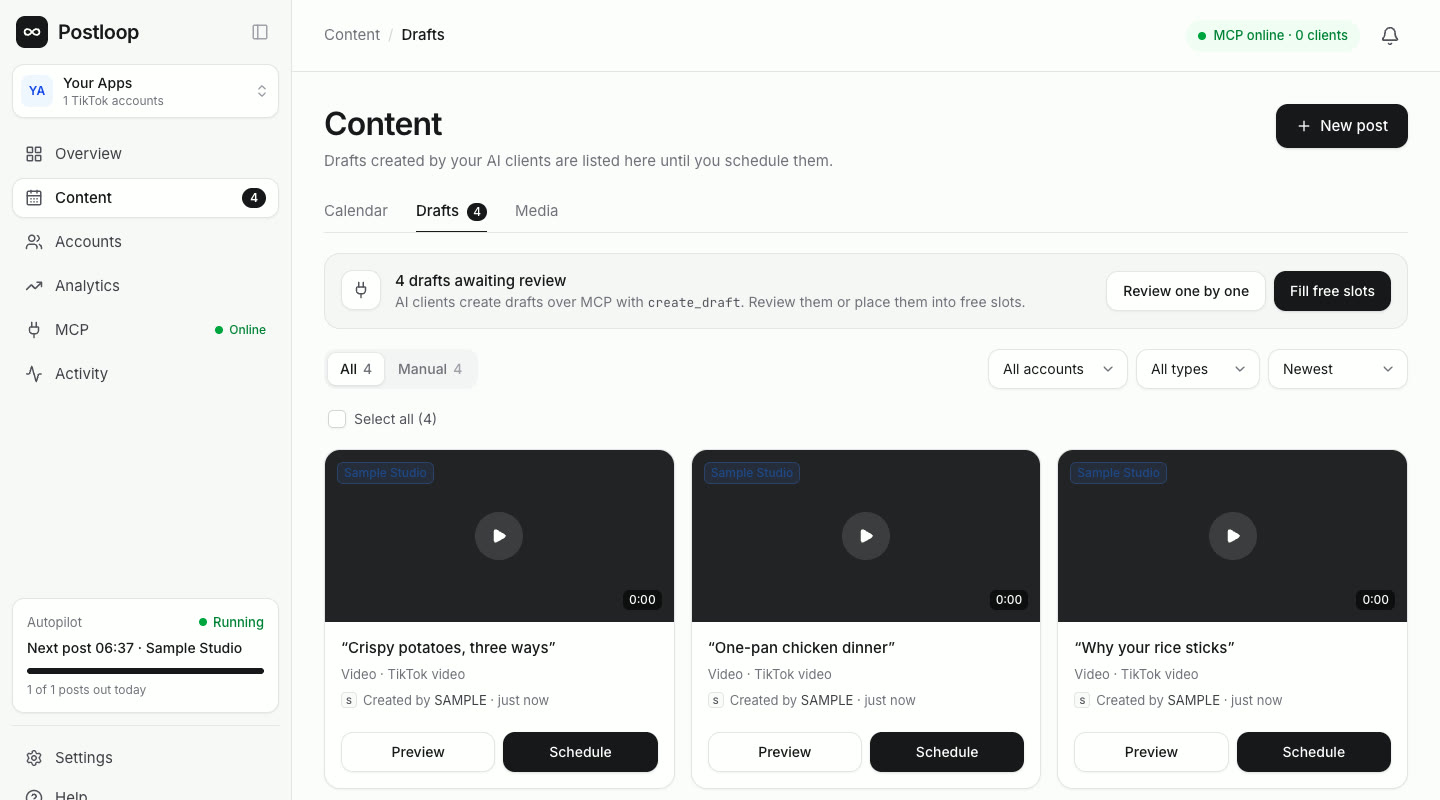
Review and publish
Drafts wait for approval. At the chosen minute, Postloop uses the TikTok Content Posting API to either publish the post directly or send it to your TikTok inbox as a draft, so you can finish it in the TikTok app.
Learn what works
Analytics pulls every post's data from TikTok, so new content is built around winning hooks and posting times.
Simple pricing
Every plan starts with a 7-day free trial. Cancel anytime.
Starter
For creators with a few accounts.
$19/ month
- 2 TikTok accounts
- Visual calendar and drafts
- Photo and video posts
- Basic analytics
Pro
Most popularFor creators and brands posting every day.
$49/ month
- 10 TikTok accounts
- AI assistants via MCP
- Best time suggestions
- In-depth analytics and top hooks
- Team review and activity log
Team
For agencies and content teams.
$99/ month
- Unlimited TikTok accounts
- Unlimited team members
- API keys for automation
- Priority support
Built on TikTok's official APIs
Postloop uses Login Kit, the Content Posting API and the Display API. Each permission is requested only for a feature the user can see.
| Permission scope | TikTok API | Purpose |
|---|---|---|
user.info.basic | Login Kit · /v2/oauth/token/ | Connect the account and show its name and avatar. |
user.info.profile | Display API · /v2/user/info/ | Show the account's @username and profile link. |
user.info.stats | Display API · /v2/user/info/ | Show follower, following and like counts in the overview. |
video.list | Display API · /v2/video/list/, /v2/video/query/ | Read the account's videos and metrics for analytics. |
video.publish | Content Posting API · /v2/post/publish/video|content/init/ | Publish the photo or video post you scheduled or chose to publish (Direct Post). |
video.upload | Content Posting API · /v2/post/publish/inbox/video/init/ | Send a post to your TikTok inbox as a draft, so you can finish and post it in the TikTok app. |
Frequently asked questions
Does Postloop post on its own?
No. A post goes to TikTok only when you save it as scheduled or press Publish. For each post you choose whether to publish it directly or send it to your TikTok inbox as a draft to finish in the TikTok app. Postloop never likes, follows or comments on your behalf.
What can Postloop access on my TikTok account?
Only what the permissions above cover: your basic profile, profile and stats, your public videos and their metrics, and permission to publish posts you create. It never sees your password.
Is there a free trial?
Yes. Every plan starts with a 7-day free trial, and you can cancel before it ends.
Can I cancel anytime?
Yes. Cancel from your account settings and you won't be charged again.
How do I remove Postloop's access to TikTok?
Disconnect the account in Postloop (Accounts, Settings, Disconnect account) or remove access in TikTok under Settings and privacy, Security and permissions, Apps and services. Data for a disconnected account is deleted within 30 days.
Who can see my posts?
For each post you choose who can watch it from the options TikTok offers for your account (for example Everyone, Friends, Followers or Only me). You also set comment, Duet and Stitch permissions.
Can I mark promotional content?
Yes. The composer has a commercial content disclosure. Choose Your own brand or Branded content (paid partnership), and Postloop tells TikTok so the post is labeled correctly.
Is Postloop affiliated with TikTok?
No. Postloop is an independent tool that uses TikTok's official APIs.
Ready to put your TikTok posting on autopilot?
Connect your account and schedule your first post in minutes. The first 7 days are free.